
✓ PROVEN RESULTS: "From 1–3 clicks a day to 198 monthly bookings..." — Andrey B.The Proven SEO Course for Photographers: Rank Higher & Get Booked
Stop Fighting the Instagram Algorithm and Start Dominating Google Search

Practical, hands-on SEO training and education for photographers who want sustainable client inquiries from Google without relying on social media algorithms.
The Reality Check: While your competitors are spending hours editing reels and chasing social media trends, high-intent clients in your city are actively searching Google for a photographer just like you.
This is the exact, no-fluff playbook to optimize your website, rank on Page 1, and automate your booking pipeline in 60 days.
✓ 100% Risk-Free 60-Day Guarantee ✓ Self-Paced Lifetime Access ✓ Zero Coding or Tech Background Required
COURSE OVERVIEW & TRAINING SNAPSHOT
8 self-paced, video-guided training modules built specifically for visual creators. Lifetime access.
- Module 1: SEO Fundamentals for Photographers
- Module 2: Finding the Right Keywords (Your Client Language)
- Module 3: Optimizing Your Website for Search
- Module 4: Building Authority & Local SEO
- Module 5: Content Strategy for Photographers
- Module 6: Website Optimization & User Experience
- Module 7: Tracking, Analytics & Ongoing Maintenance
- Module 8: Scaling Your SEO Efforts
Social Media vs. Photography SEO: Where Do High-Paying Clients Actually Look?
Most photographers are trapped on a content treadmill. They post daily, tweak hashtags, and get plenty of "likes" from other photographers—but their inquiry inbox remains empty.
To build a sustainable business, you must transition from low-intent social scrolling to high-intent search intent.
What is the user's mindset?
Instagram & Social Media: "I'm bored and looking for distraction."
Google Search Engine (SEO): "I’m actively looking to hire a photographer."
How long does your content live?
Instagram & Social Media: 24 to 48 hours before the algorithm buries it.
Google Search Engine (SEO): Months or years of continuous Page 1 organic traffic.
How much upkeep does it take?
Instagram & Social Media: Constant, exhausting daily posting and reel editing.
Google Search Engine (SEO): Set up your core foundation once, then run minor check-ins.
Who is seeing your work?
Instagram & Social Media: Mostly friends, family, and other photographers.
Google Search Engine (SEO): High-value, local clients ready to pay your full rate.
Real Results: How One Photographer Tripled Their Google Traffic in 60 Days
You don't have to take my word for it. Let's look at the actual data from a working photographer who stopped chasing social media "likes" and turned his focus to local Google search rankings.
Case Study: From 200 to 750+ Daily Google Search Impressions
"When I started in mid-November, I was pulling in 1 to 3 clicks from Google Search on a good day. Just two weeks in, I hit 40 clicks in a 30-day window. Now, I'm at 198 clicks and climbing. My daily impressions jumped from 200 to consistently hitting 500 to 750. The best part? These are actual clients looking for real services in my area."
— Andrey Boltyansky, Swanky Bolt Studios- Andrey Boltyansky, Swanky Bolt Studios (read the full case study)
The 4 Critical SEO Mistakes Costing Photographers Bookings
If your website isn't booking clients, it’s not because your portfolio isn't beautiful. It's because your site is making a few silent, easily-fixed mistakes that are invisible to you but highly penalized by Google.
Mistake #1: Targeting the Wrong Keywords
The Trap: Trying to rank for incredibly broad terms like "best photographer" or "beautiful portraits."
The Reality: No one searches that way. You are competing with global brands.
The Fix: We will map out highly-targeted, local keywords (like "Cleveland wedding photographer") that match exactly what real buyers type into search bars.
Mistake #2: Slow Page Speeds from Massive Image Portfolios
The Trap: Uploading uncompressed, 20MB files directly from your camera to show off your resolution.
The Reality: Your site takes 8 seconds to load. Users bounce, and Google drops your ranking.
The Fix: Learn the exact, zero-loss compression tools and filename formulas that keep your images crisp while making your site lightning-fast.
Mistake #3: Neglecting Local Google Map Pack Optimization
The Trap: Thinking SEO is only about blogging and text.
The Reality: Over 40% of local clicks go directly to the Google Map Pack.
The Fix: A step-by-step setup to optimize your free Google Business Profile so you show up on maps when locals search for nearby photographers.
Mistake #4: Writing Ineffective Blogs with Zero Search Intent
The Trap: Writing daily posts about "Sunset Session with the Smith Family" that no one ever finds.
The Reality: You are writing for yourself, not for search engines.
The Fix: Learn how to write just 3 strategic, highly targeted blog posts that answer your clients' exact booking questions.
INSIDE THE SEO COURSE FOR PHOTOGRAPHERS: YOUR STEP-BY-STEP PLAYBOOK
This is not a theoretical marketing textbook. It is a practical, video-guided training program with step-by-step action items after every lesson so you can optimize your site as you learn.
Module 1: SEO Fundamentals for Photographers
Learn how search engines crawl and index your site, master the 3 pillars of visibility (Content, Structure, Authority), and establish your ranking baseline with our SEO Snapshot exercise.
Module 2: Finding the Right Keywords (Your Client Language)
Bridge the gap between artistic jargon and what clients actually type into Google. Use free research tools to build your custom Keyword Hit List split by search intent.
Module 3: Optimizing Your Website for Search
Master the 5-second homepage clarity formula, structure high-converting service landing pages, and dial in technical basics. Includes our bonus masterclass on Web Image Sizing & Lightroom Export settings.
Module 4: Building Authority & Local SEO
Dominate your local market by fully optimizing your Google Business Profile to land in the Map Pack. Learn ethical backlink strategies, citation consistency, and exact scripts to get keyword-rich client reviews.
Module 5: Content Strategy for Photographers
Build a compounding content engine. Learn the 5-part SEO blog framework to write discovery-driven articles (like "Best Photo Locations in [City]") that funnel readers directly into inquiries.
Module 6: Website Optimization & User Experience
Fix silent speed killers, streamline your menu architecture with the 3-click rule, and optimize mobile layouts for the 80% of clients browsing on phones.
Module 7: Tracking, Analytics & Ongoing Maintenance
Connect Google Analytics 4 and Search Console, track the only 3 metrics that matter, and follow a low-stress monthly maintenance routine to protect your rankings.
Module 8: Scaling Your SEO Efforts
Multiply your visibility by repurposing blog content into social media or PDF guides, automating maintenance tasks, expanding into neighboring cities, and delegating safely.
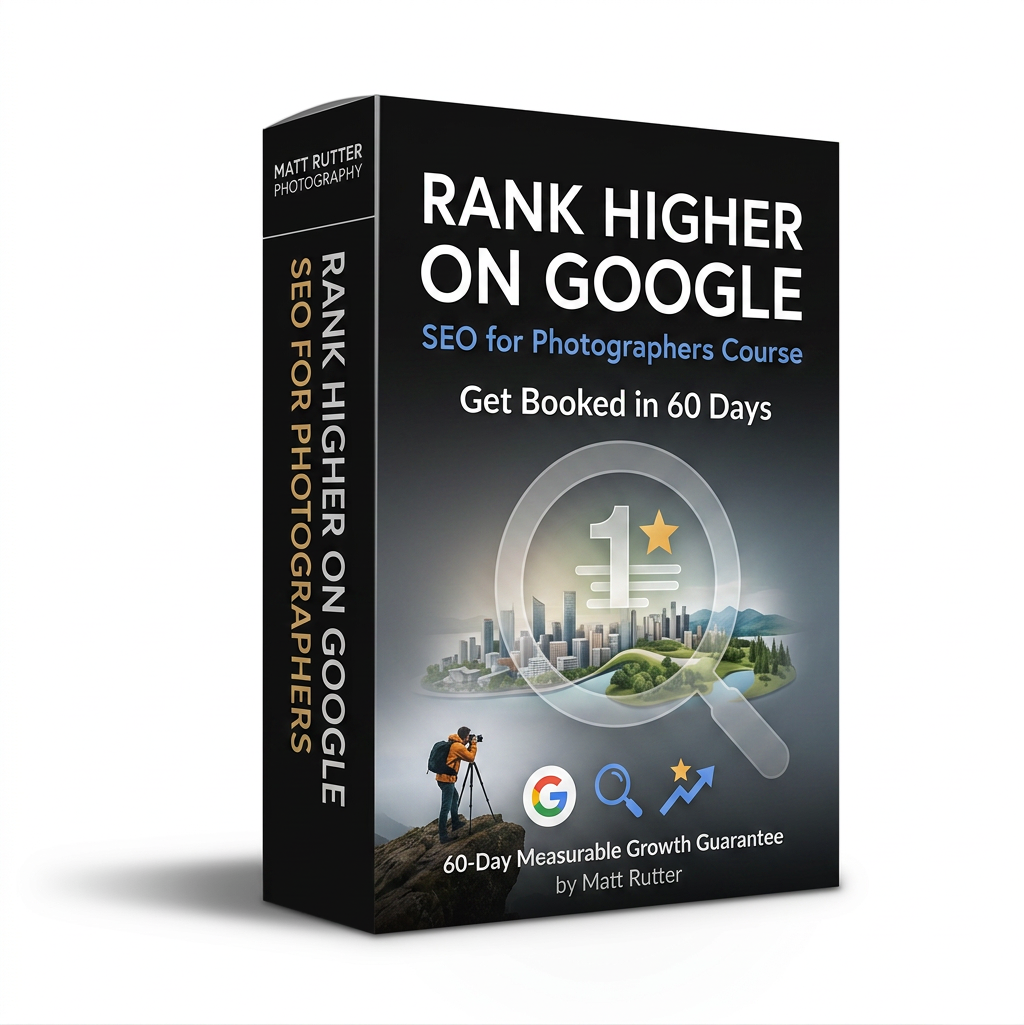
Course Pricing & Enrollment
This Photography SEO Course is 8 self-paced modules designed specifically for photographers who want to attract more clients through Google search.
Is This Photography SEO Masterclass the Right Fit for Your Business?
Let's make sure you're in the right place. This course is built to deliver massive value, but it requires a minor time investment to get results.
This Is Not For You If...
✗ You are looking for a magic button that will rank your site on Google Page 1 overnight.
✗ You want to hand off your marketing entirely without knowing how it works.
✗ You are completely unwilling to make minor edits to your image names and website text.
Choose This Course If...
✓ You want an absolute no-brainer, high-ROI marketing resource that pays for itself with your very first client booking.
✓ You are ready to stop wasting hours on social media and want to build a long-term search asset.
✓ You want clear, photographer-specific templates for WordPress, Squarespace, etc.
✓ You can dedicate just 1 to 2 hours a week over the next 60 days to implement the lessons.
My 60-Day Risk-Free Google Growth Guarantee
I stand behind this course because the methodology works. Go through the modules, name your images correctly, optimize your homepage metadata, and optimize your free Google Business Profile. If you don't see a measurable increase in your Google Search Console impressions or organic clicks within 60 days of purchase, simply send me a screenshot of your analytics and your course progress, and I will refund 100% of your investment. No hoops, no runaround, and no questions asked. You either get results, or you get your money back.
Frequently Asked Questions About Local SEO for Photographers
How is this training different from free online SEO tutorials or generic marketing education?
Most general SEO education is designed for e-commerce stores or corporate software blogs. Photography websites deal with unique challenges: heavy image file sizes, minimal written copy, and local geographic client search intent. This training is built exclusively for visual creators, teaching you how to compress multi-megabyte portfolios without losing quality, structure your galleries for Google bots, and win local Google Map Pack rankings.
Do I need to know how to code to take this course?
Absolutely not. This course is built specifically for modern visual platforms like Squarespace, Showit, Pixieset, and WordPress. Everything is click-and-drag and written in clear, plain language with zero technical jargon.
Will this work if I am not a wedding photographer?
Yes! While the case studies focus on wedding photography, the underlying local SEO principles are identical whether you shoot portraiture, brand commercial photography, real estate, families, or newborn sessions.
How long does it take to see actual results?
Most students see initial search impression increases in Google Search Console within 2 to 3 weeks of updating their homepage metadata. Consistent organic clicks and solid booking inquiries typically start trending upward around the 60-day mark.
I already have a busy shooting schedule. How much time does this take?
The course is completely self-paced. Most modules are broken down into bite-sized, 10-minute video lessons. If you can dedicate just 1 to 2 hours a week, you will easily complete the course and optimize your site inside of 60 days.